 temp mail
· 6 min read
Temporary Email Without Phone Verification: What Works and What Fails
Use temporary email without phone verification to receive a one-time signup code without giving a disposable email service your phone number. Learn what Temp Mail covers, what target websites still require, and when to use a permanent address.
Temporary Email Without Phone Verification: What Works and What Fails
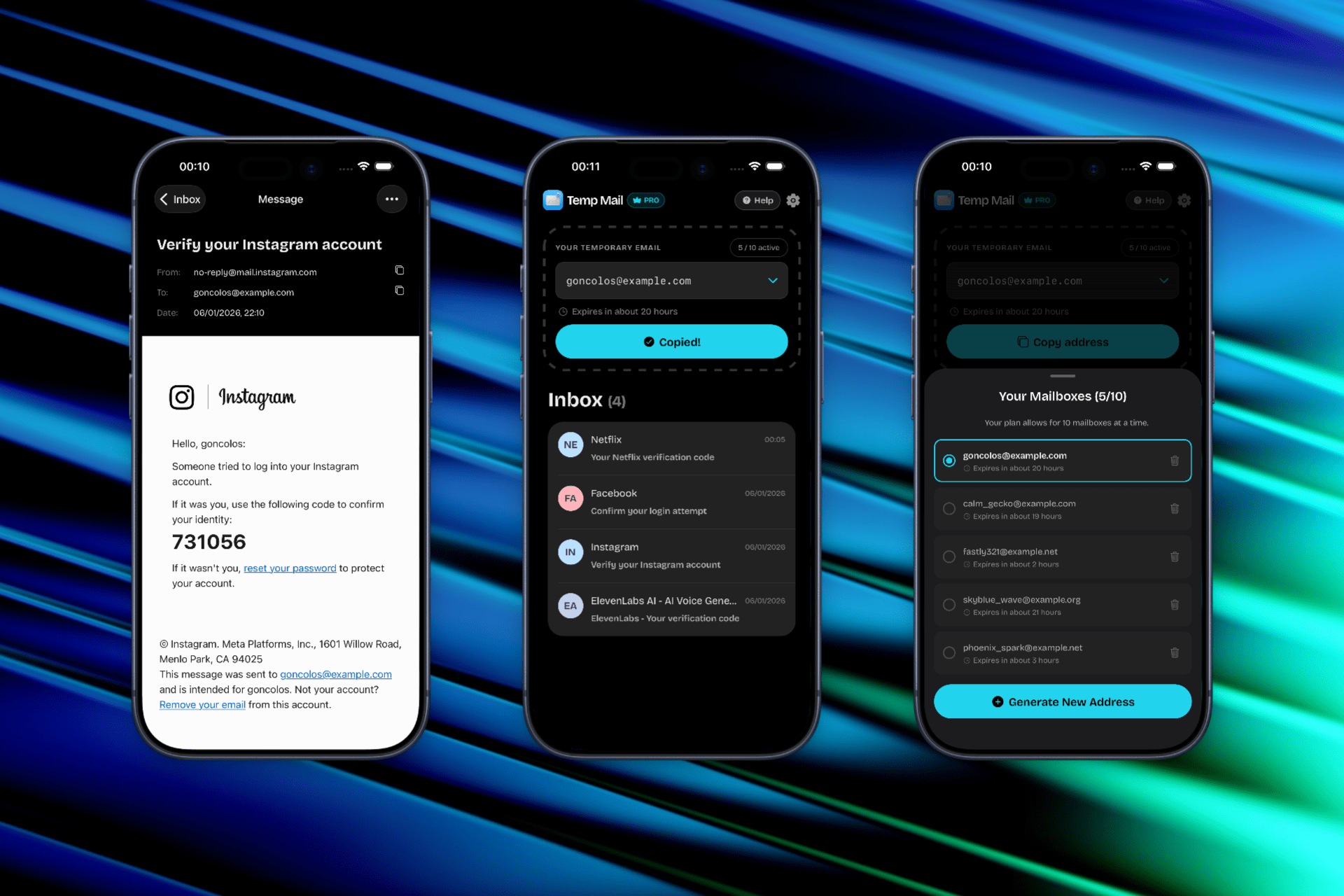
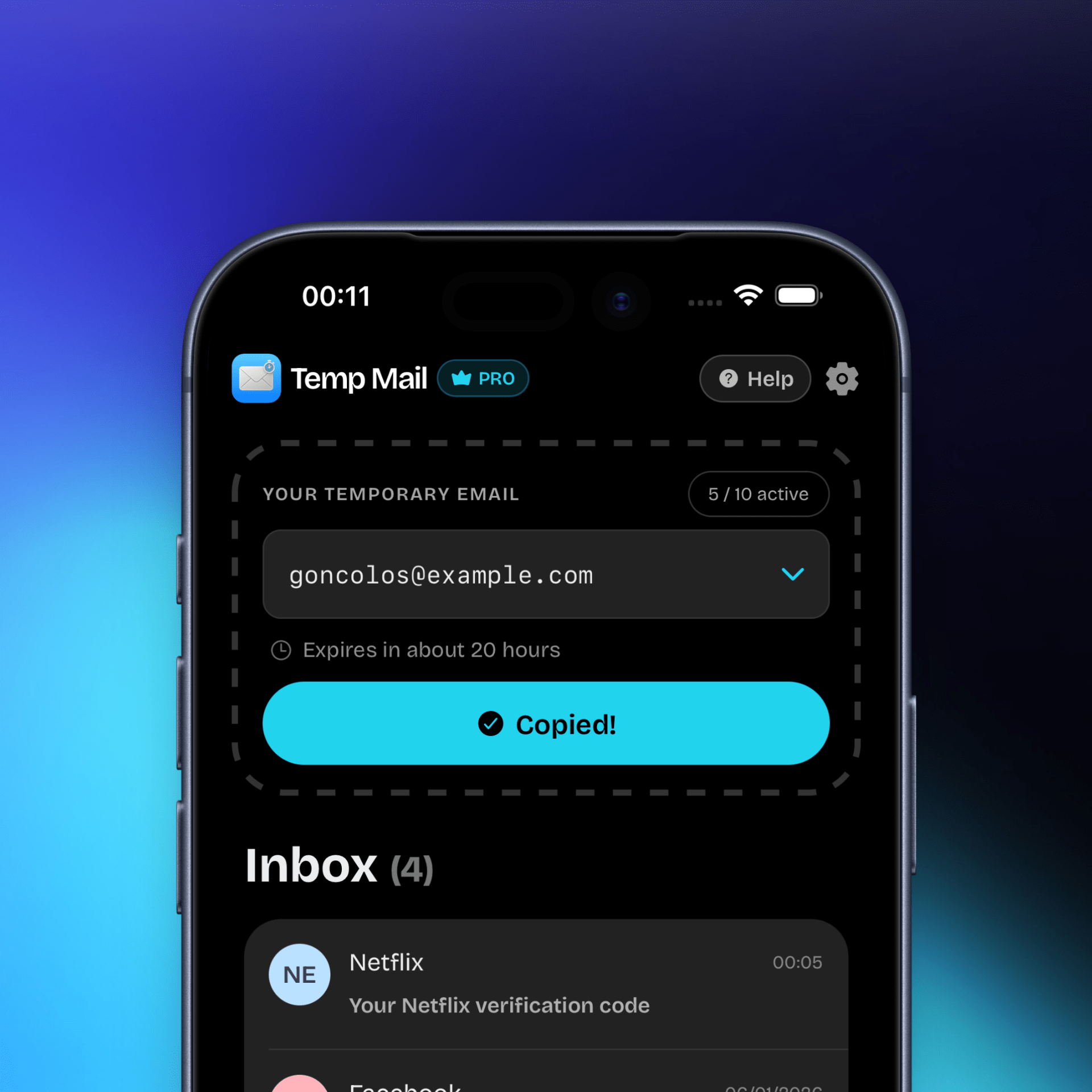
If you need temporary email without phone verification, Temp Mail can provide a disposable inbox without asking you to attach your personal phone number to that inbox. Generate an address, receive a short-lived verification email, and complete the task while the inbox is active.
There is an important distinction: Temp Mail not requiring a phone number does not mean that every website will skip its own phone verification. The destination controls its signup rules and may request a phone, CAPTCHA, identity check, or permanent email.
For mobile workflows, see our temporary email app guide. For the privacy rationale, read our email privacy basics guide.
What “Without Phone Verification” Means
This phrase can describe two different needs:
- The email provider does not require your phone: You want to create a temporary inbox without submitting a phone number to the inbox provider.
- The destination does not require your phone: You want the website or app you are joining to accept email alone.
Temp Mail addresses the first need. It may help with the second only when the destination offers email verification and permits temporary domains. It cannot supply a phone number or override a service’s security policy.
How to Use Temporary Email Without a Phone Number
For a legitimate one-time signup or test:
- Open Temp Mail and generate a fresh address.
- Copy the address into the destination’s email field.
- Watch the temporary inbox for the verification code or link.
- Complete the email step promptly.
- Use a permanent email if the account needs recovery, billing, or long-term access.
Do not enter a temporary address into a service that explicitly prohibits disposable email. If the destination asks for a phone, follow its approved verification process rather than trying to evade it.
When Temporary Email Without Phone Verification Works
This workflow is most useful when:
- A website offers email-only verification.
- You need a one-time code, confirmation link, or download message.
- You want to protect your personal inbox and phone number from a low-trust signup.
- You are testing an email flow in an environment where you have authorization.
- You can finish the task before the inbox expires.
Some destinations may accept one temporary domain and reject another. That behavior can change, so no provider can promise universal acceptance.
When It Fails
Temporary email without phone verification will not solve a requirement controlled by the destination. It may fail when:
- The website requires a phone number for every new account.
- Disposable domains are on the destination’s blocklist.
- The service requests identity verification or a permanent recovery method.
- The verification message arrives after the inbox expires.
- Repeated signups trigger a rate limit or anti-abuse review.
For example, creating a Google account has its own account and verification requirements. A temporary inbox can be useful for third-party signups that ask for an email, but it is not a way to create a temporary Gmail account. See our Temp Mail for Gmail guide for that distinction.
Phone Verification vs. Email Verification
Email and phone checks serve different purposes. An email code confirms access to the mailbox used in the form. A phone check can provide another identity or anti-abuse signal and may be mandatory for a specific service.
If a website presents both options, select the method that matches your actual need and the platform’s rules. If it only presents phone verification, temporary email is not a replacement. The Google Account Help Center explains that account creation and verification steps can vary by Google’s requirements.
Common Problems and Fixes
The website still asks for a phone number
That is a destination-side requirement. Complete it through the service’s official process or use a different service that genuinely offers email-only access. Do not claim that temporary email bypasses phone verification.
The email address is rejected
The site may block disposable domains or require a permanent mailbox. Check the address for typing errors, review the site’s rules, and use a permanent address when required. Generating many addresses is not a dependable fix for a policy block.
The verification email never arrives
Confirm that the inbox is active and the address was entered correctly. Wait briefly for delivery and check whether the sender has a resend limit. If temporary mail is allowed, restart the authorized flow once with a fresh inbox.
I need the account again next week
Use a permanent email address instead. Temporary inboxes expire and may not support password recovery, security notifications, or future account changes.
Temporary Email for Social and App Signups
Social and app registration flows can change frequently. Our guides cover Temp Mail for TikTok, Temp Mail for Instagram, and Temp Mail for Discord. Each platform can apply different domain, device, rate, and phone checks.
Use these pages as practical guidance, not as a promise that a platform will accept disposable email. Always follow the destination’s terms and current verification prompts.
Temp Mail for iOS
Temp Mail for iOS supports a quick mobile workflow: generate an address, copy it into an email field, and watch for the incoming message. It is suitable for short, low-risk verification tasks where you do not need a permanent inbox.
Download Temp Mail for iOS from the App Store.
Privacy, Expiration, and Account Recovery
The privacy benefit is that your primary email and phone number do not need to be shared with the temporary inbox provider for the task. The tradeoff is permanence. Temporary addresses expire, and an active inbox may not be private enough for passwords, payment details, personal records, or confidential files.
Use a permanent address for banking, healthcare, government services, paid subscriptions, work accounts, and anything you may need to recover. Temporary email is best for a task that ends when the verification message is read.
FAQ: Temporary Email Without Phone Verification
Does Temp Mail require my phone number?
Temp Mail is designed to provide a temporary inbox without requiring your personal phone number for that inbox. Check the current app listing for the latest product details.
Can temporary email bypass a website’s phone verification?
No. The website may still require a phone number, CAPTCHA, identity check, or permanent email. Temp Mail cannot provide a phone number or remove a destination’s requirement.
Can I use a temporary email address for a Google account?
Temp Mail is not a temporary Google or Gmail account. Google controls its own account creation and verification requirements, and a temporary inbox does not guarantee that Google will accept it.
What happens when the temporary inbox expires?
The address and its messages may no longer be available. You may lose the ability to receive password resets or security alerts, so do not use it for an account you need long term.
What if the service blocks disposable email?
Use the service’s approved signup method, a permanent email, or its support channel. Do not repeatedly generate addresses to circumvent an explicit block.
Disclaimer and Responsible Use
Temp Mail is an independent privacy utility and is not affiliated with Google, TikTok, Instagram, Discord, or any other destination mentioned here. Follow each service’s terms, privacy policy, and verification requirements. Use temporary email only for legitimate, authorized, low-risk tasks. We are not responsible for account restrictions, lost access, or expired messages.