 temp mail
· 3 min read
Temp Mail for Instagram Verification (What Works & What Fails)
Use temp mail for Instagram verification without cluttering your personal inbox. Learn what works, common failures, and how to receive your Instagram code reliably.
Temp Mail for Instagram (Instant Verification Inbox)
Need an email right now to verify an Instagram account?
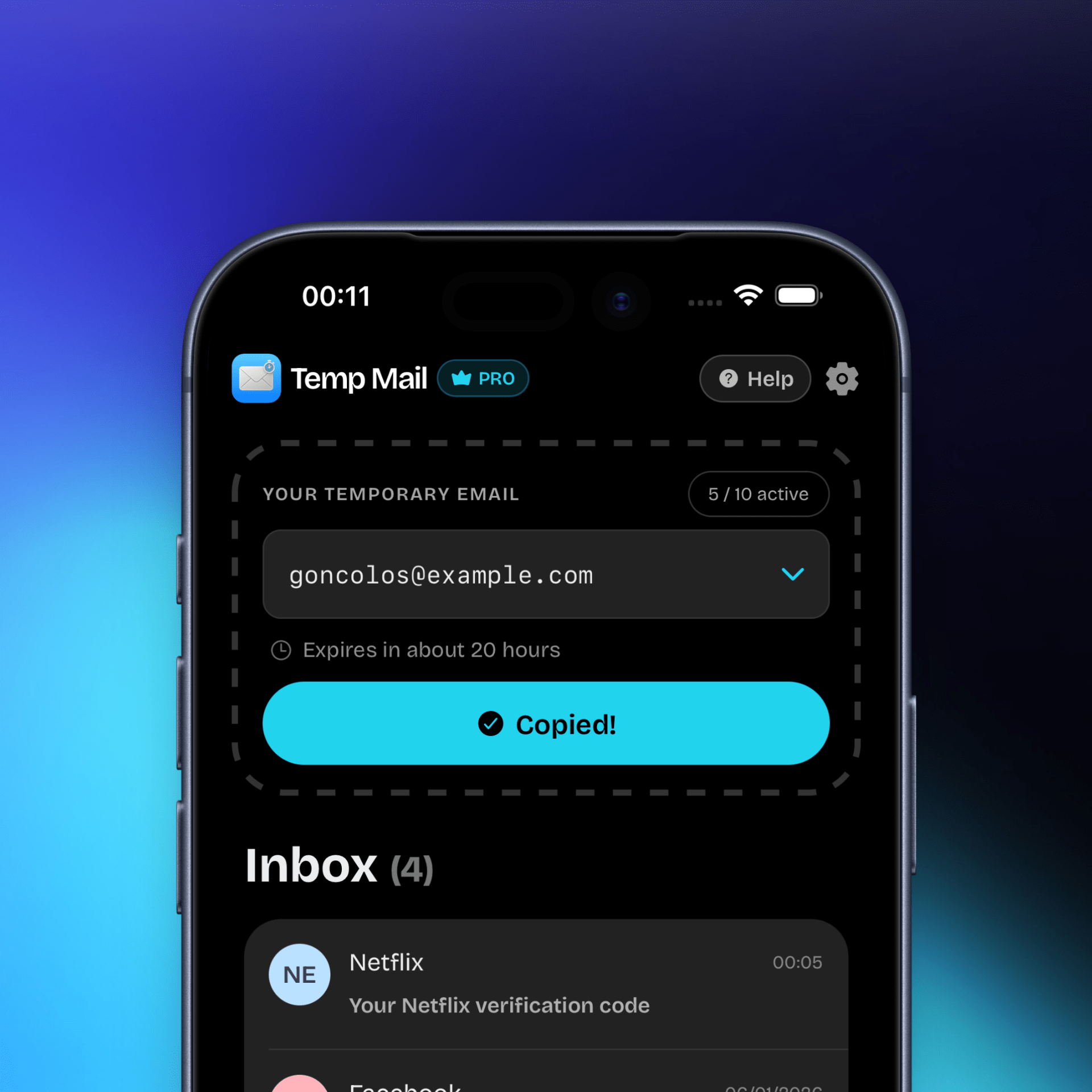
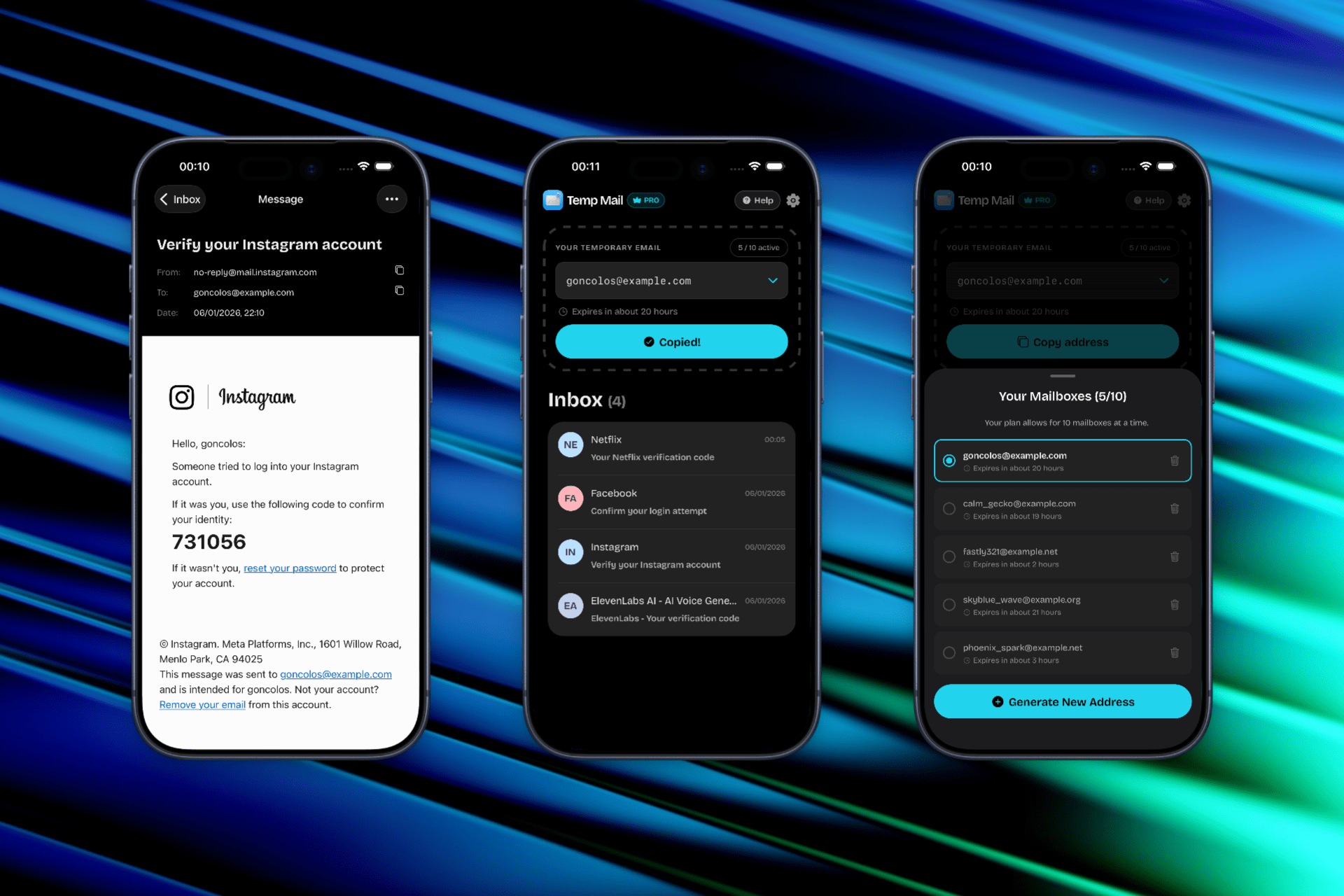
Temp Mail gives you a disposable inbox you can use during Instagram signup to receive your verification code without exposing your real email address. No registration, no inbox clutter, no long-term commitment.
👉 Generate a temporary inbox, paste it into Instagram, and receive the code immediately.

Why People Use Temp Mail for Instagram
Instagram accounts are often created for specific purposes, and not all of them deserve a permanent email address.
Common reasons users choose temp mail for Instagram:
- Theme pages & niche accounts you may not keep forever
- Business or client accounts separated from personal email
- Testing usernames or availability before committing
- Privacy protection from Meta-linked email tracking
- Avoiding inbox noise from notifications and recommendations
Using a disposable inbox keeps your main email clean and compartmentalized.
How Instagram Email Verification Works
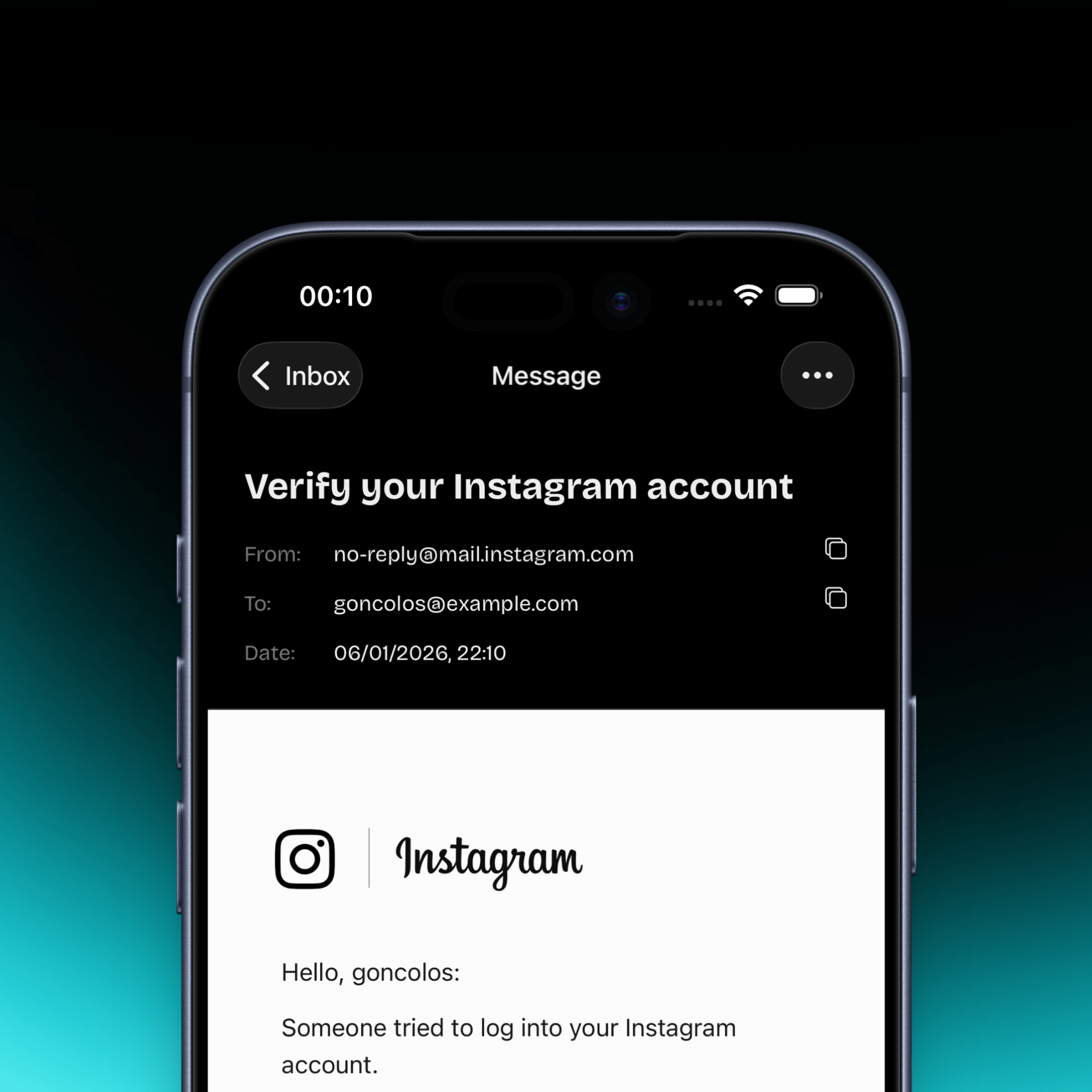
During signup, Instagram sends a 6-digit verification code to the email address you provide. You must:
- Enter the code within a short time window
- Complete signup before the session expires
- Avoid refreshing or switching accounts mid-flow
A temporary inbox works as long as the email arrives quickly and the address hasn’t been flagged.
When Temp Mail Works for Instagram (And When It Doesn’t)
✅ Works best when:
- Creating a new account
- Verifying via email (not phone-first flows)
- Completing signup immediately after receiving the code
- Using a fresh temporary domain
⚠️ May fail when:
- Instagram delays or rate-limits verification emails
- A disposable domain has been overused
- You wait too long before entering the code
- Instagram switches to phone verification mid-signup
If a code doesn’t arrive within ~60 seconds, generate a new inbox with a different domain and retry.
Common Instagram Verification Problems (And Fixes)
❌ Code never arrives
Fix: Regenerate a new temporary email and retry signup from the beginning. Instagram may silently drop messages to certain domains.
❌ Session expired
Fix: Request a new code and complete verification immediately. Do not switch apps or tabs for too long.
❌ Account flagged later
Fix: For long-term accounts, update your email to a permanent address after signup. Temporary inboxes are best for short-lived or test accounts.
Use Temp Mail on iOS (Faster Than Web)
Temp Mail for iOS is built for mobile-first signup flows like Instagram.
With the app, you get:
- One-tap inbox generation
- Instant delivery notifications
- Copy-ready verification codes
- Quick domain switching if a code doesn’t arrive
🔗 Download on the App Store:
Temp Mail – Disposable Mailbox
Important Limitations to Know
Temporary inboxes are not recoverable once they expire.
Do not use temp mail for Instagram if:
- You plan to keep the account long-term
- You may need password recovery later
- The account controls ads, payments, or business assets
For permanent accounts, switch to a real email after signup.
Legal & Platform Notice
Temp Mail is an independent tool and is not affiliated with Instagram or Meta. Always follow the Instagram Terms of Use.
Use disposable email responsibly and only for accounts where temporary access is acceptable.
Bottom line:
Temp mail works best for fast Instagram verification, testing, and privacy-first signups. Just don’t rely on it for accounts you can’t afford to lose.