 temp mail
· 4 min read
Temp Mail now supports more languages: Spanish, French, German, and Portuguese
Temp Mail now supports Spanish, French, German, and Portuguese on iOS and Android. Use disposable email in your preferred language for OTPs, one-time signups, and privacy-first browsing.
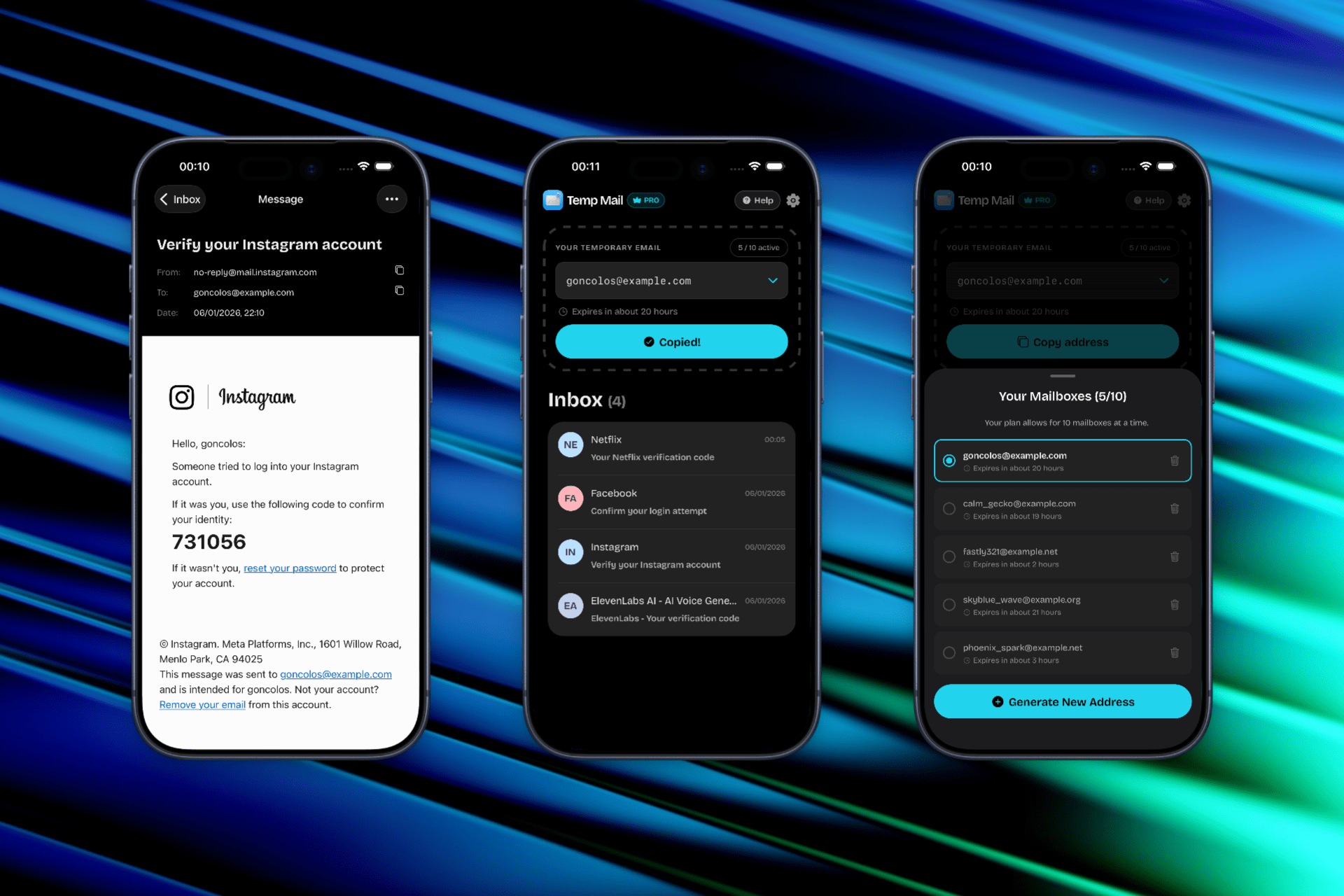
Temp Mail now supports more languages
Temp Mail just got easier to use in more parts of the world. Our latest app update adds full interface support for Spanish, French, German, and Portuguese on both iOS and Android.
If you have been using Temp Mail in English because it was the only option, you can now generate disposable email addresses, read your inbox, and manage settings in the language you are most comfortable with.


This update builds on our mobile launches. If you are new to the apps, start with Temp Mail for iOS is live or Temp Mail Android is live.
Which languages are supported now?
The new release adds four widely spoken languages:
- Spanish (Español)
- French (Français)
- German (Deutsch)
- Portuguese (Português)
English remains the default. Together, these languages cover a large share of Temp Mail users across Europe, Latin America, and beyond.
Why language support matters for a temp mail app
Disposable email is often used in fast, one-time situations: confirming a signup, grabbing an OTP, or testing a service before you commit. When the app interface is in your native language, that workflow feels more natural and less error-prone.
A localized temp mail experience helps when you are:
- Copying a verification code quickly under time pressure
- Checking whether an inbox is empty before you dispose of an address
- Explaining the app to a friend or colleague who prefers another language
For a broader look at how Temp Mail fits into mobile privacy workflows, see our temporary email app guide. If you want background on why disposable inboxes matter in the first place, our email privacy basics guide is a good place to start.
How to change the language in Temp Mail
The app follows your device language automatically in most cases. To switch:
- Open Settings on your iPhone or Android device
- Go to General (iOS) or System (Android), then Language & Region or Languages
- Add or select Spanish, French, German, or Portuguese
- Reopen Temp Mail. The interface should reflect your chosen language
If you already had Temp Mail open, force-quit and relaunch the app so the new strings load cleanly.
On iOS, you can also set a per-app language without changing your whole phone. Go to Settings → Apps → Temp Mail → Language and pick the one you want. Android 13 and later offers a similar per-app language option under Settings → Apps → Temp Mail → App language.
What stays the same
Language support is an interface update. The core Temp Mail experience is unchanged:
- Generate a disposable address in seconds
- Receive verification emails and OTP codes in your inbox
- Copy addresses and codes with one tap
- Dispose of an inbox when you are done
You can still use Temp Mail for social media signups, free trials, and one-time downloads. For a comparison of how Temp Mail stacks up against other options, read our best temp mail service guide.
Download or update Temp Mail
If you already have Temp Mail installed, update to the latest version from your app store. New users can download the app here:
Questions, feedback, or a language you would like to see next? Contact us.
FAQ: Temp Mail language support
Which languages does Temp Mail support?
Temp Mail now supports English, Spanish, French, German, and Portuguese on iOS and Android. We plan to add more languages based on user demand.
Do I need to create a new account to switch languages?
No. Temp Mail does not require sign-up. Change your device or app language, relaunch Temp Mail, and the interface updates automatically.
Are received emails translated?
No. Language support applies to the app interface only. Emails arrive in whatever language the sender used. Verification codes and OTP numbers are unchanged.
Does Temp Mail work the same in every language?
Yes. Address generation, inbox delivery, and disposal work identically regardless of which language you select.
Is Temp Mail available in my country?
Temp Mail is available worldwide on the App Store and Google Play. Language support is included in the latest app version in all regions where the app is listed.
How do I request another language?
We welcome suggestions. Send your request through our contact page and tell us which language would help you most.
Disclaimer
Temp Mail is an independent utility and is not affiliated with Apple, Google, the App Store, Google Play, or any third-party service you sign up for using a disposable address. Temporary inboxes expire by design, so do not use them for accounts you may need to recover long-term. Always follow each platform’s terms when creating accounts or verifying identities.
For reference, you can review the official App Store Terms and Conditions and Google Play Terms of Service.