 temp mail
· 4 min read
How to protect privacy online
Simple, practical steps to keep your personal info safer online, reduce tracking, and cut down on spam. Such as using a temporary email address for signups, OTPs, trials, and newsletters.

Online privacy can feel abstract until you see it in action: a random newsletter you never asked for, an ad that knows too much, or a data breach email that arrives at the worst time. The good news is that protecting yourself does not require being a security expert. A few daily habits can make a big difference.
Why we should protect our privacy online
Online privacy is really about control. It is the ability to decide what information you share, who can access it, and how long it sticks around. This is your right as a human being.
Protecting your privacy helps you:
- Keep your personal details out of the wrong hands
- Reduce unwanted tracking and targeted advertising
- Avoid spam, scams, and identity theft
- Feel more comfortable using the internet without being watched
Even if you think you have nothing to hide, you still have plenty to protect: your email inbox, your location, your shopping habits, your contacts, and your private conversations. These are your personal data that can be used to track you, sell your data, or use it to impersonate you.
The dangers of not protecting your privacy
When privacy slips, the impact can show up in annoying small ways, and in serious expensive ways.
Here are a few common outcomes:
- More spam and phishing: If your email ends up on a list, it spreads fast. Attackers often reuse leaked data to craft believable messages.
- Account takeovers: Reused passwords or weak security settings make it easier for someone to break in. The more you are present online, the more likely you are to be targeted.
- Identity theft: Enough leaked information can be used to open accounts, apply for services, credit requests in your name, or impersonate you.
- Doxxing and harassment: Oversharing on social media can reveal your real name, school, workplace, or location. This can lead to harassment, stalking, or even physical harm.
- Data brokerage and profiling: Some companies buy and sell data to build profiles that follow you across websites and apps. This can be used to target you with ads, or to sell your data to other companies.
Many of these problems are hard to undo once your data is out there. That is why prevention matters.
How to protect privacy online
You do not need to do everything at once. Start with the easiest improvements, then build up. Small steps add up, and you will feel the difference quickly in fewer spam messages and less exposure.
Here are practical ways to protect your privacy online:
- Use unique passwords and a password manager: One strong password per account prevents one breach from turning into ten.
- Turn on two factor authentication: Prefer an authenticator app over SMS when possible.
- Review app permissions: Location, contacts, photos, microphone, and Bluetooth access should be granted only when needed.
- Limit what you share on social media: Hide your birthday, phone number, and location. Assume anything public can be copied.
- Keep devices updated: Updates often fix security issues, not just bugs.
- Be cautious with public WiFi: Avoid logging into sensitive accounts, or use a trusted VPN.
- Block trackers in your browser: Use privacy focused browser settings and reputable tracker blocking extensions.
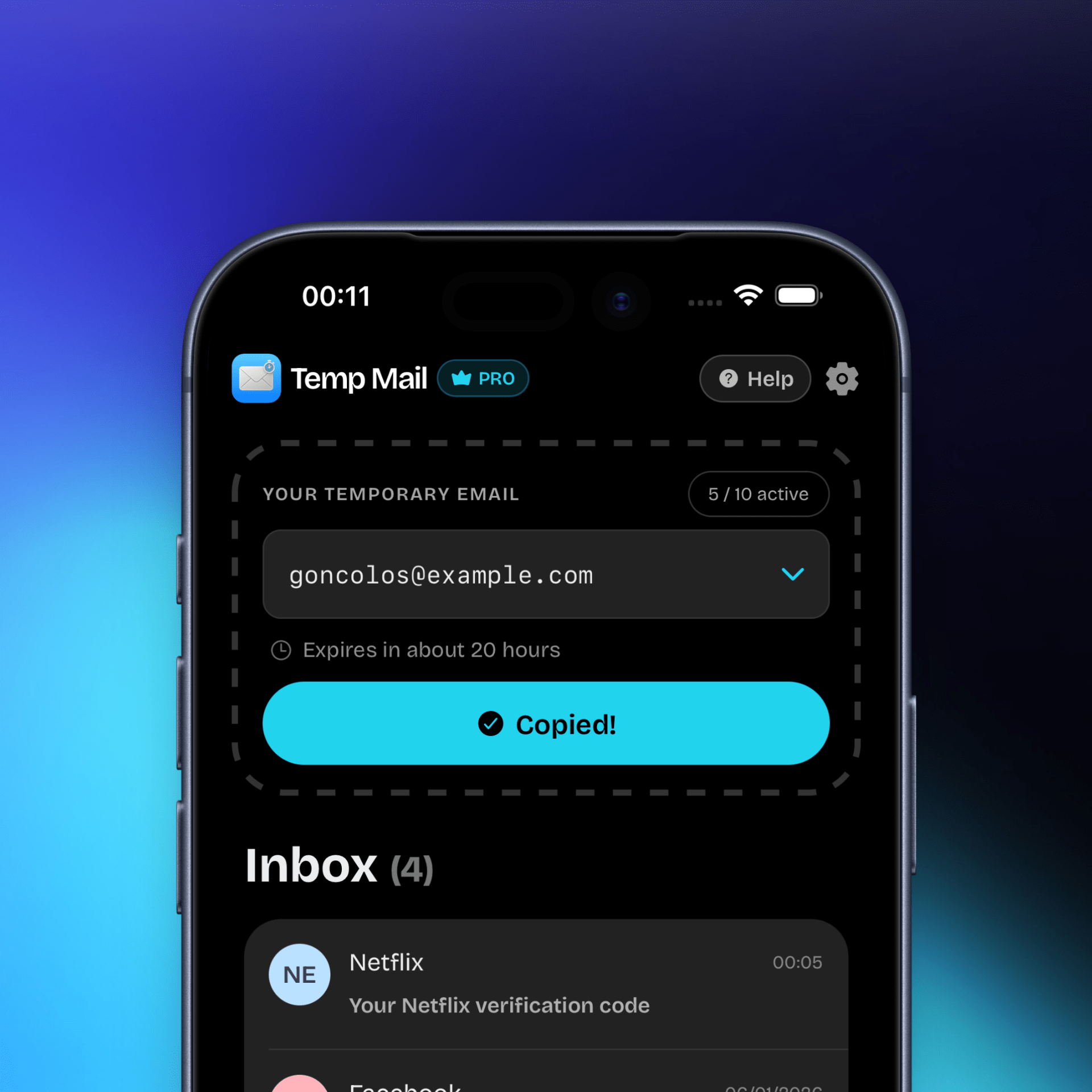
- Use Temp Mail app for throwaway signups: When you need an email for OTPs, trials, newsletters, or one time registrations, use the Temp Mail app instead of your real inbox. It helps keep spam away from your personal email and adds a clean layer of separation.
If you want a simple starting point, begin with two changes today: turn on two factor authentication on your most important accounts, and stop handing out your primary email for every signup.
Conclusion
Online privacy is not about disappearing. It is about making intentional choices so your personal info stays yours. Small steps add up, and you will feel the difference quickly in fewer spam messages and less exposure.
If you want an easy way to protect your inbox, try Temp Mail and use disposable email addresses for signups, OTPs, trials, and newsletters.
![Best Temp Mail Service [2026]: What Actually Matters Now](/_astro/temp_mail_3_screens.B1iRHeyi.png)