 temp mail
· 5 min read
Temp Mail for TikTok Verification (What Works & What Fails)
Use temp mail for TikTok verification when you need a short-lived inbox for an authorized signup. Learn how email verification works, why a code may not arrive, and when a permanent address is safer.
Temp Mail for TikTok Verification (What Works & What Fails)
Need to check a TikTok signup without putting your everyday inbox on another notification list? Temp mail for TikTok provides a short-lived inbox for an authorized signup or test. Generate an address, enter it in TikTok’s signup flow, and watch for the verification message while the inbox is active.
A temporary address is not a guarantee of access. TikTok can apply different verification and anti-abuse checks by account, device, location, or signup method. Read our temp mail for social media guide for related platform workflows.
Why People Search for Temp Mail for TikTok
People commonly look for a temporary TikTok inbox when they want to:
- Keep a personal email separate from a short-term creator or test profile.
- Check an onboarding flow without filling a primary inbox with notifications.
- Test email verification in an authorized QA environment.
- Receive one confirmation code before deciding whether a service is useful.
- Keep a social signup separate from other low-trust registrations.
For an account you plan to keep, use an address you control long term. TikTok says account details should be accurate and up to date in its Terms of Service.
How TikTok Email Verification Works
TikTok may ask you to verify an email address or phone number during account creation or when it detects a need for additional confirmation. The exact prompts can change based on the signup path and current platform rules.
For an email-based flow, the practical steps are:
- Generate a fresh temporary inbox before starting signup.
- Enter the address in TikTok’s registration screen.
- Keep the Temp Mail inbox open while TikTok sends the code or link.
- Enter the code or follow the link promptly.
- Finish the signup before the inbox or verification session expires.
Do not create repeated accounts or use disposable mail to evade TikTok’s safety, access, or enforcement systems. Follow the platform’s account creation help for current requirements.
When Temp Mail for TikTok Works
Temp Mail can work for a TikTok email verification flow when:
- TikTok offers email verification for your signup session.
- The current temporary domain is accepted by the form.
- The verification message arrives before the inbox expires.
- You finish the process immediately and do not need future recovery.
- The account creation is permitted under TikTok’s rules.
The address should be treated as a one-time tool, not as a permanent identity.
When It May Fail
The workflow may fail when:
- TikTok requests phone verification instead of, or in addition to, email.
- The temporary domain is blocked or has a poor reputation.
- Multiple rapid attempts trigger a rate limit or additional security check.
- Delivery is delayed or the verification code expires.
- You need the address later for password recovery or security notices.
If TikTok requires a phone or permanent email, use the method it provides. A different temporary address is not a reliable answer to an explicit platform requirement.
Common TikTok Verification Problems
TikTok says the email is invalid
The domain may not be accepted for that signup. Check the form for a spelling mistake and review TikTok’s current signup requirements. If the platform rejects disposable email, use a permanent address that you control.
The TikTok code never arrives
Make sure the inbox is active and the address was copied correctly. Wait for the normal delivery window before requesting another code. If the email flow permits temporary mail and the message still does not arrive, restart once with a fresh inbox rather than repeatedly resending.
TikTok asks for a phone number
Temporary email cannot replace a phone check. Complete the verification method TikTok requests or stop the signup if you cannot meet that requirement. For the broader distinction between email and phone checks, see temporary email without phone verification.
The account needs recovery later
Move to a permanent email address while you still have access, if TikTok allows the change. Never rely on an expired temporary inbox for account recovery, security alerts, or a creator account you need to protect.
Temp Mail for iOS and TikTok Signups
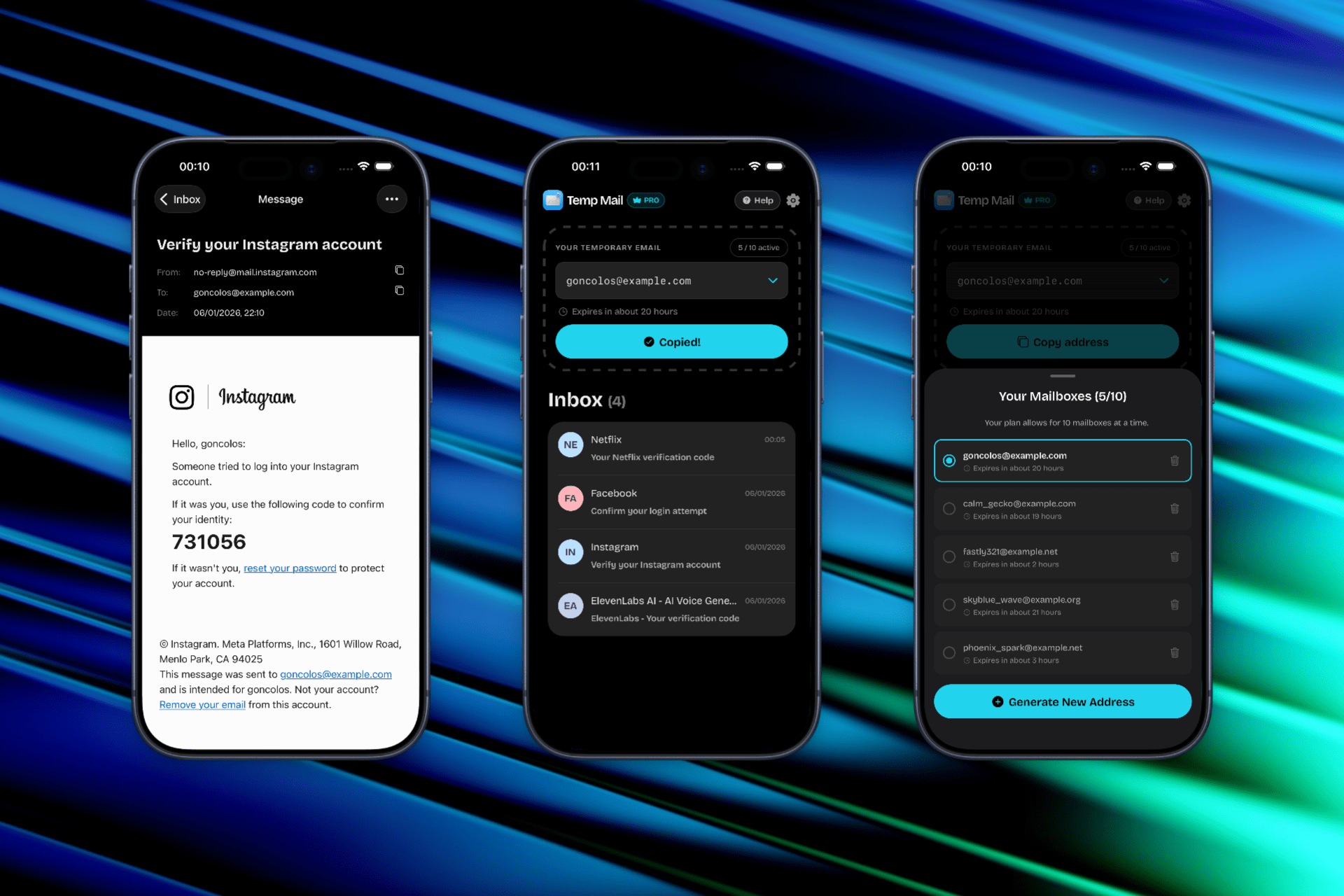
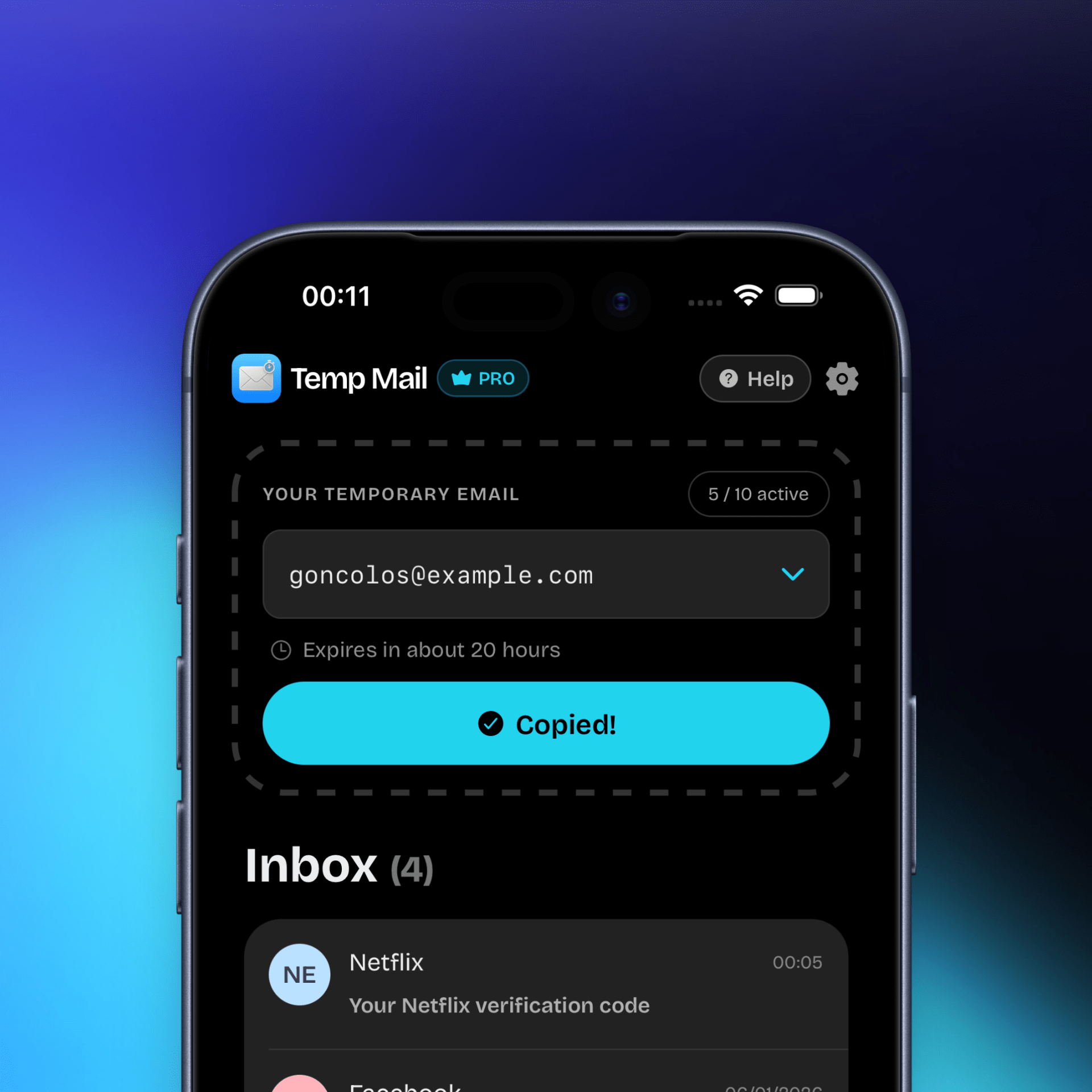
TikTok signup often happens on a phone, so switching between a browser inbox and the app can slow down a time-limited verification flow. Temp Mail for iOS lets you generate an address, copy it into the form, and monitor incoming mail in a mobile inbox.
Download Temp Mail for iOS from the App Store. For privacy context, read our email privacy basics guide.
Privacy and Account Safety
Temporary email can reduce exposure of your personal inbox, but it does not make a TikTok account anonymous or recoverable. TikTok may still collect information from your device, activity, and account settings according to its policies.
Use a permanent address when the account involves creator tools, advertising, purchases, direct messages, or content you cannot afford to lose. Keep your login details private and use the platform’s available security settings.
FAQ: Temp Mail for TikTok
Can I use temp mail for TikTok verification?
It may work when TikTok offers email verification and accepts the current temporary domain. TikTok can require phone verification or additional checks, so acceptance is not guaranteed.
Why did TikTok reject my temporary email?
The domain may be blocked, the address may be mistyped, or the signup session may require a different verification method. Follow TikTok’s current requirements instead of trying to bypass a platform restriction.
How long should I keep the temporary inbox open?
Keep it open until the code or confirmation link arrives and signup is complete. Temporary inboxes expire, so do not assume the address will be available for a later password reset.
Is temporary email safe for a long-term TikTok account?
It is not the safest choice. Use an email address you control for an account you plan to keep, especially if it is tied to content, purchases, creator work, or recovery.
Can temp mail bypass TikTok phone verification?
No. A temporary email address does not provide a phone number and cannot guarantee that TikTok will remove or skip a phone check.
Disclaimer and Platform Rules
Temp Mail is an independent utility and is not affiliated with TikTok or ByteDance. Always follow TikTok’s terms, community guidelines, privacy policy, and current signup requirements. Use disposable email only for legitimate, authorized purposes. We are not responsible for account restrictions, lost access, or deleted messages.