 temp mail
· 6 min read
Create Dummy Emails for Testing on iOS (What Works & What Fails)
Create dummy emails for testing on iOS without burning your real inbox. Learn the fast workflow, iOS-specific verification quirks, and what to do when verification emails don’t arrive.
Create dummy emails for testing on iOS (fast, repeatable workflow)
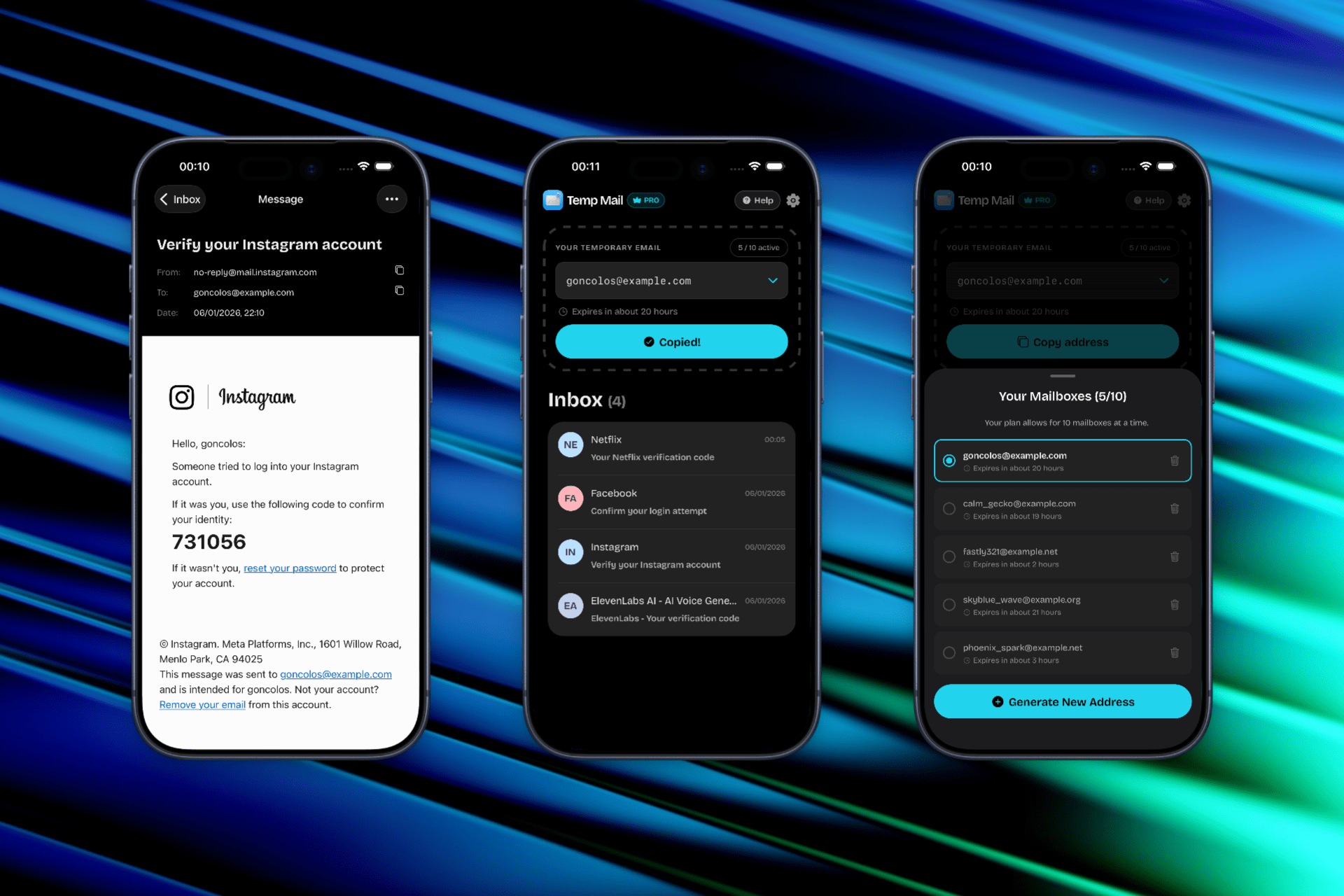
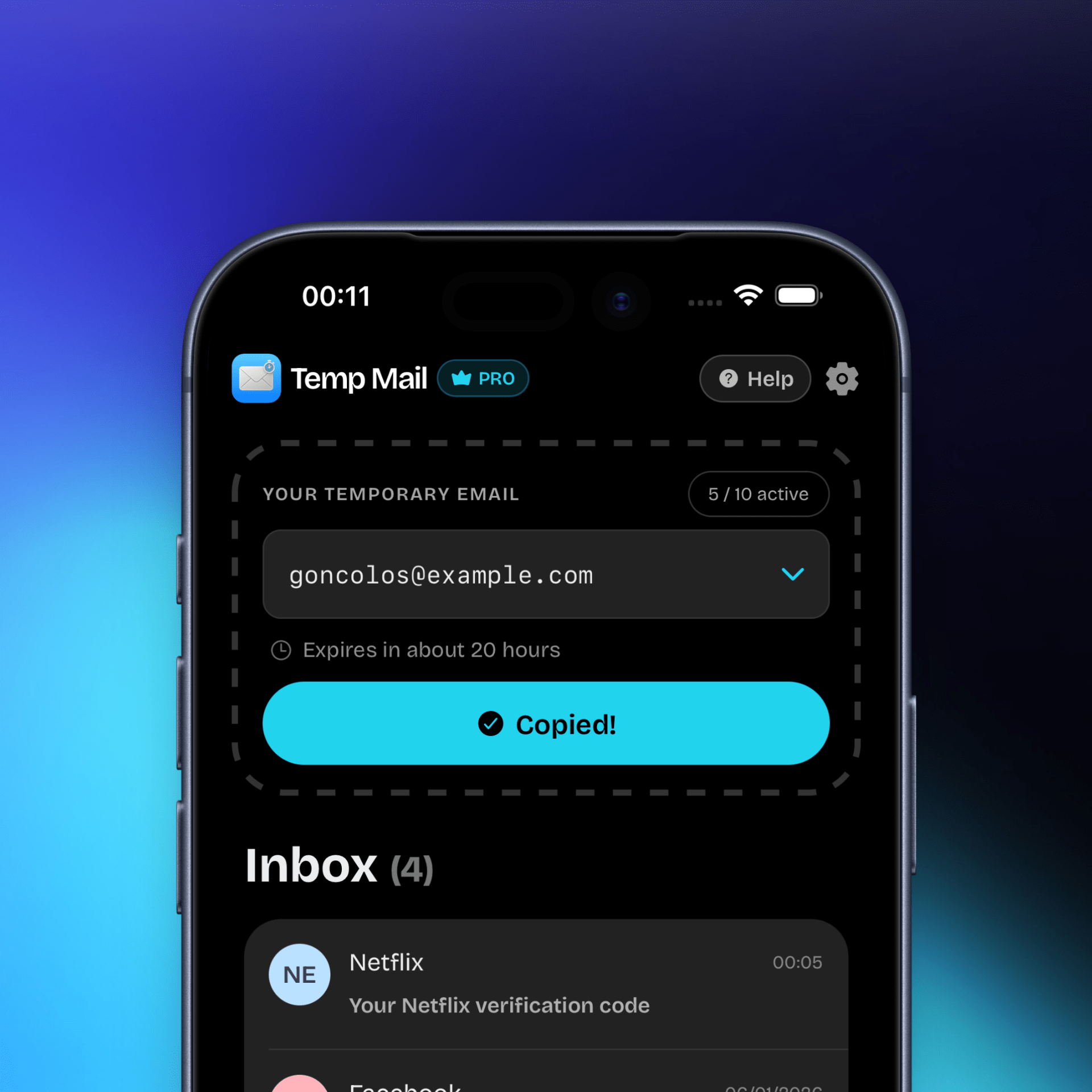
Need to create a dummy email right now to test a signup flow on iPhone? Temp Mail gives you a disposable inbox in seconds, so you can verify accounts, capture OTPs, and move on—without using your personal address.

Why people search “create dummy emails for testing” (iOS-specific use cases)
On iOS, testing often happens in short sessions: a real device in your hand, a build from TestFlight, and a login screen that needs a fresh address every run.
Common reasons to create dummy emails for testing on iPhone:
- QA signup regressions: You need a brand-new email each time you test “first-time user” onboarding.
- OTP and verification email checks: You’re validating that codes arrive, render correctly, and can be copy/pasted fast.
- Magic-link login testing: You want to confirm the link opens on iOS and returns you to the app cleanly.
- Multi-account scenarios: You’re testing “switch account,” “invite member,” or “add secondary profile” flows.
- Email template QA on mobile: You’re checking how transactional emails look on iPhone screens (spacing, buttons, dark mode).
- Edge-case validation: You’re verifying behavior when emails are delayed, duplicated, or expire mid-session.
How email verification behaves in iOS app flows (mechanics that affect your tests)
iOS doesn’t “verify emails” by itself—each app implements its own flow—but iOS signups tend to follow a few repeatable patterns:
- Verification codes (OTP): Many apps send a 4–8 digit code that expires quickly. If the tester switches apps for too long, the signup session can time out even if the email arrives.
- Confirmation links: Some apps require tapping a link. On iOS, that often opens Safari first, then tries to hand off back to the app via Universal Links or an in-app browser session.
- Mixed or adaptive verification: Some services start with email but switch to phone verification when traffic looks suspicious or too many signups happen from one device/IP.
Timing windows you’ll run into
- Code expiration: commonly 5–15 minutes (varies by app).
- Session expiration: short-lived signup sessions can die sooner than the code, especially if you background the app repeatedly.
- Resend throttles: “Resend email” buttons often have cooldowns and rate limits that slow testing loops.
Common restrictions that break “dummy email” testing
- Disposable-domain blocks: Some apps silently drop or refuse verification emails to domains that are heavily abused.
- Link handling quirks: Verification links may open in a browser that doesn’t return you to the app (or opens the wrong environment).
- Aggressive anti-abuse checks: Rapid repeated signups from the same device can trigger delays, captchas, or a forced phone step.
Platform notes (mandatory iOS specifics)
- Platform-specific verification behavior:
- Verification emails often arrive as either an OTP code (copy/paste friendly) or a deep-link-style confirmation URL that may open Safari before returning to the app.
- Some iOS apps use in-app browser sessions for auth; if the session expires while switching apps, the verification step can fail even with the correct code.
- Common failure users report:
- “I never got the verification email” (often domain filtering or rate limiting).
- “The verification link opens Safari but doesn’t take me back to the app” (link/universal link mismatch or wrong environment).
- Known restrictions or quirks:
- Repeated signups in a short time window can trigger resend cooldowns, delayed delivery, or a phone-verification fallback.
- Some apps accept the email but block the final verify step if the address/domain is flagged later in the flow.
- When temp mail is a bad idea:
- Any account you might need to recover later (password resets, long-term admin accounts, paid subscriptions, or accounts tied to customer data).
When Temp Mail works for iOS
Temp Mail is a strong fit when your goal is speed and repeatability:
- You need a fresh address per test run (onboarding, “new user” banners, welcome flows).
- The app supports email OTP or a straightforward verification email.
- You can complete the verify step immediately and don’t need long-term inbox access.
- You’re running controlled QA where dummy accounts are expected and permitted.
When it may fail
Be realistic: “create dummy emails for testing” isn’t always compatible with the app under test.
It may fail when:
- The service blocks disposable domains or delays verification mail under anti-abuse rules.
- The flow switches to phone verification after a few attempts.
- Verification requires a long-lived inbox for later steps (team invites, billing receipts, support threads).
- You need to return to the same inbox days later to recover access.
Common failure scenarios (and quick fixes)
❌ Verification email never arrives
Fixes:
- Generate a new address and retry from the start (some systems won’t re-send to the same address once it’s flagged).
- Wait out resend cooldowns before spamming “resend”—rate limits can delay delivery further.
- If the app under test supports both code and link verification, try the alternate method.
❌ The code arrives, but it’s expired (or the session timed out)
Fixes:
- Request a fresh code and complete verification immediately.
- Keep the signup screen open while waiting (backgrounding can invalidate some sessions).
- Reduce context switching during the verification window.
❌ The verification link opens Safari and doesn’t return to the app
Fixes:
- Prefer OTP code flows for iOS QA when available (less fragile than deep-link handoff).
- If you must use the link, ensure you’re testing the correct environment (staging vs production) and that Universal Links are configured for that build.
❌ You hit a “try again later” / rate-limit wall
Fixes:
- Slow down test runs and rotate addresses instead of repeatedly resending to one inbox.
- Spread signups across devices/testers if you’re load-testing flows that trigger anti-abuse protections.
Temp Mail for iOS (built for testing loops)
If your daily workflow is “open build → create account → verify → repeat,” Temp Mail helps you move faster on mobile:
- Generate a new disposable inbox in one tap
- Copy the address cleanly into any iOS signup form
- Receive verification emails quickly in a dedicated inbox
- Switch to a fresh address when a domain is blocked
Limitations & warnings (read before you rely on it)
Disposable inboxes are temporary by design.
Do not use temp mail for:
- Accounts that control payments, subscriptions, or production data
- Anything you need to recover later (password resets, “change email,” security alerts)
- Long-term identities (admin users, primary logins, customer support channels)
If you create dummy emails for testing, treat those accounts as throwaway. Assume you won’t be able to recover them once an inbox expires.
Legal / platform disclaimer
Temp Mail is an independent app and is not affiliated with Apple, iOS, or any app you test. Always follow the terms and policies of the service under test, and only create dummy accounts where your testing is authorized and compliant.