 temp mail
· 2 min read
Temp Mail iOS App: disposable email inbox (now live)
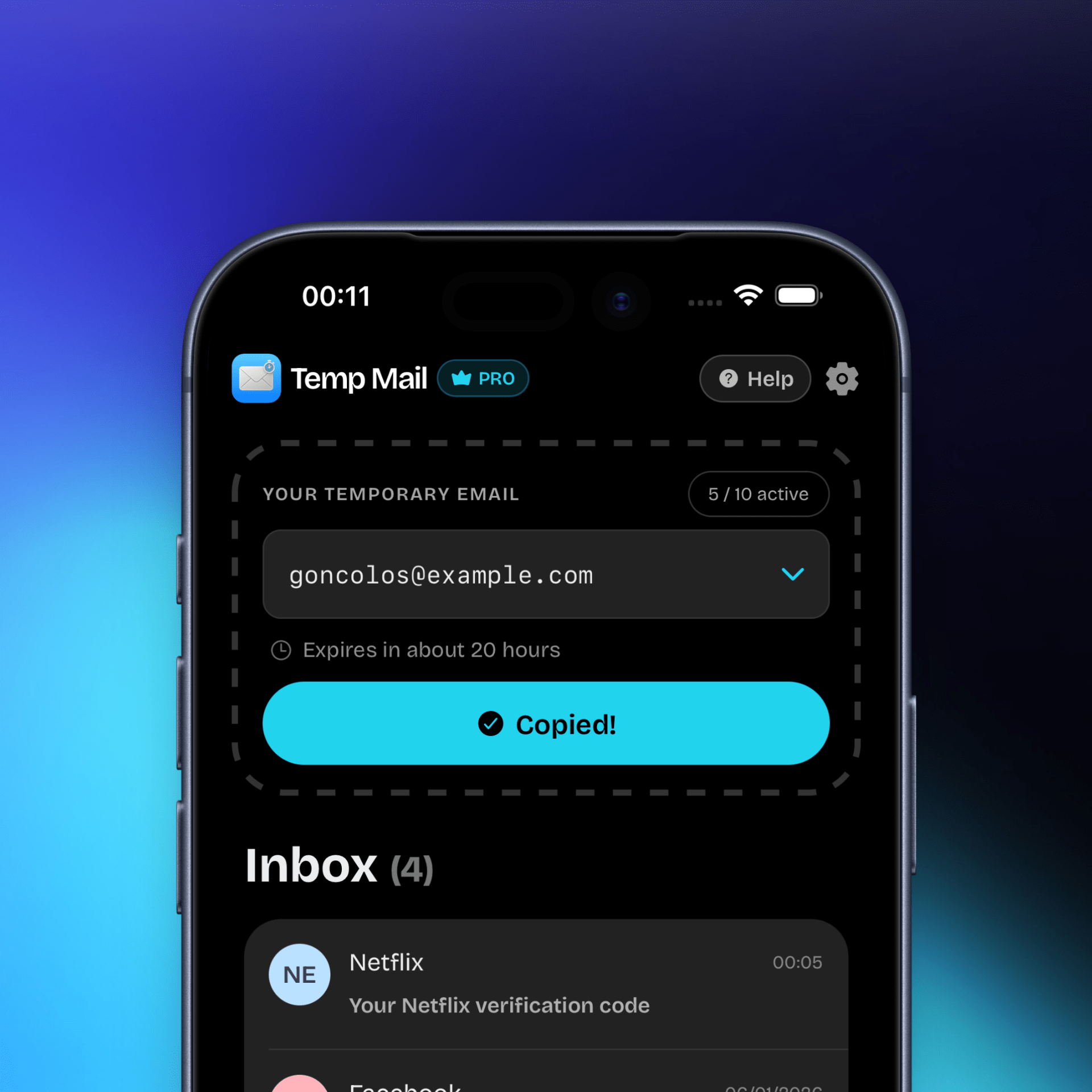
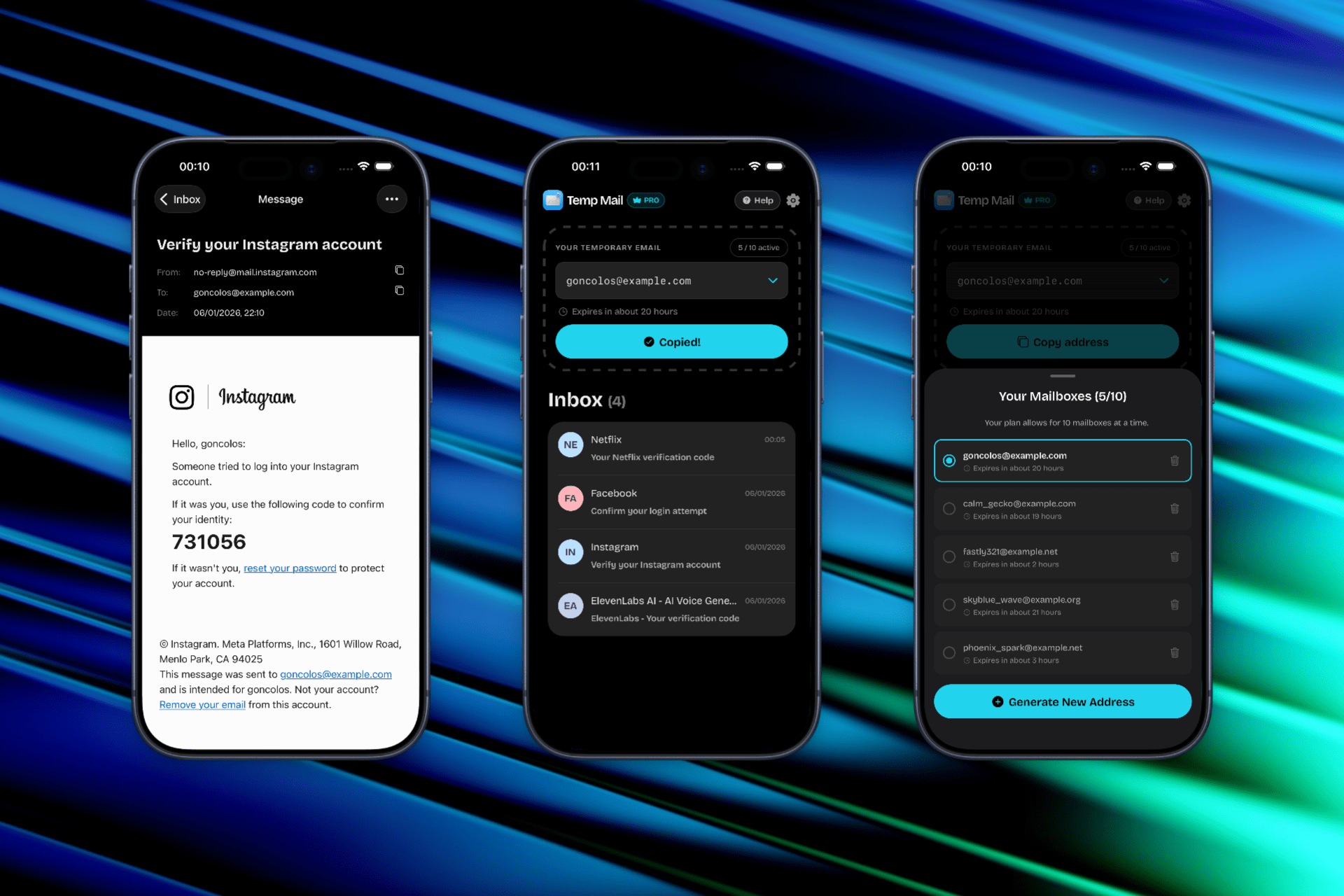
As of January 2026, our Temp Mail iOS app is now live! Generate a disposable temporary email address in one tap for OTPs, signups, trials, and downloads—keep your real inbox private and spam-free.

[2026 Update] Our Temp Mail iOS app is now live
Temp Mail for iOS is now live on the App Store. If you need a fast, private temporary email address generator on iPhone, the app lets you create a disposable inbox in one tap—ideal for OTPs, verification emails, newsletter signups, free trials, and one-time downloads. Use temp mail when you want to protect your real inbox from spam and reduce how often your primary email address is shared across the internet.

Why temp mail matters
A disposable email address is meant for a specific purpose so it can be “disposed of” if it becomes compromised or abused, without disrupting the rest of your email contacts. In practice, that means temp mail helps keep promotional blasts, list-sharing fallout, and random “welcome sequences” away from your primary inbox. Using a temporary email also reduces how much of your online activity is directly tied to your real address over time.
Common moments to use temp mail
- Signing up for a one-time download or gated content.
- Testing a service or starting a free trial.
- Creating an account to access a single feature quickly.
- Receiving a verification email, OTP, or “confirm your email” link.
Read more in the email privacy basics guide
Great for
- Email OTPs and verification codes
- “Confirm your email” links
- Magic-link sign-ins
- Product trials and promo codes
Temp mail vs “Hide My Email” on iOS
Apple’s Hide My Email creates unique, random addresses that forward messages to your personal inbox, letting you keep your real address private while still receiving emails normally. Tools like Firefox Relay also create email masks that forward messages to your real address, helping you avoid giving out your primary email during signups.
Temp mail (temporary mail) is different in spirit: the mail addresses are short-lived, that’s where “disposable email” term comes from. You use the inboxes then abandon, which is useful when you don’t want any long-term association with your real mailbox.
Rule of thumb
- Choose temp mail when you are required to provide an email address for a one-time use. For example to get access to a free e-book, a trial, a newsletter, etc.
- Choose forwarding masks when you want ongoing access but still want to hide your real address. For example to sign up for a gym membership, a subscription, etc.
Download Temp Mail for iOS
Questions or feedback? Contact us.